Architecture Manual
This document describes some architectural decisions and design ideas.
Requirements
Requirements for the project are defined according to RFC 2119. It is mandatory to include "must" requirements and "must not" requirements.
Must
- must have a minimal footprint
- must focus on important and useful information
- must be a single executable with minimal dependencies
- must be usable via SSH or local terminal
- must run on MacOS and Linux
Must not
- must not replicate more complex solutions like Screenfetch or Neofetch
- must not enforce graphics or diagrams
Should
- should be cute
- should be configurable
- should provide colors and icons
- should provide multiple output formats
Should not
- should not focus on providing desktop information
May
- may check for errors or services
- may provide other health information
- may provide a web socket with JSON formatted output
Design ideas
For the design of Peep, we focused on simplicity and ease of use. But Peep should also feel cozy and somewhat familiar.
Research
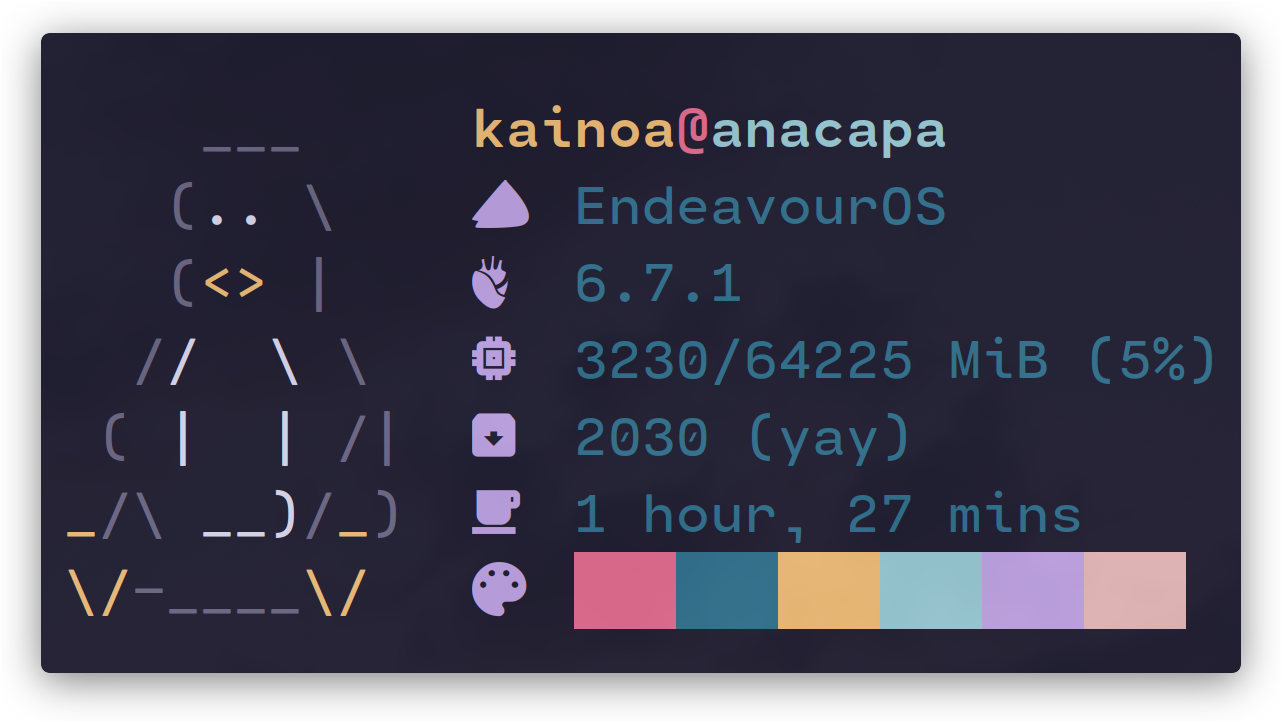
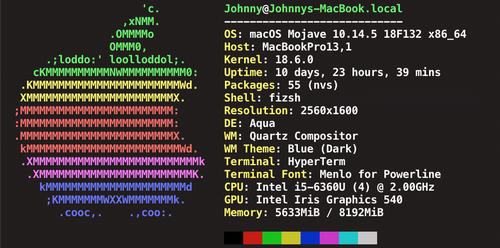
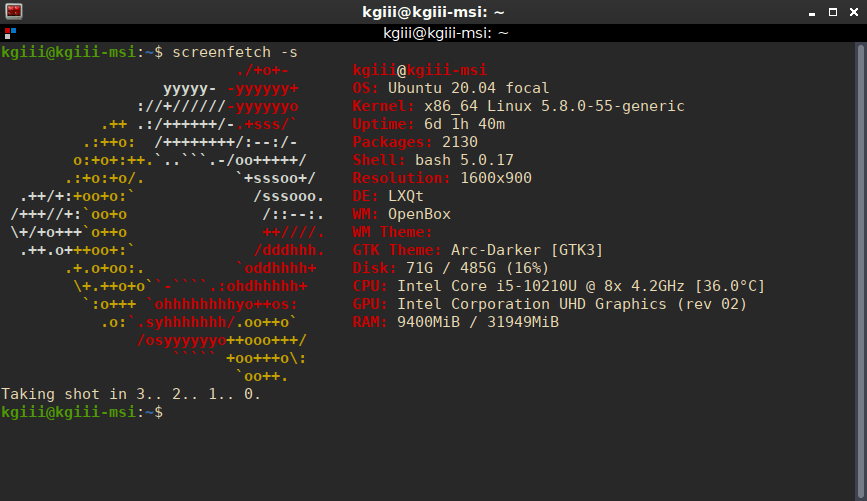
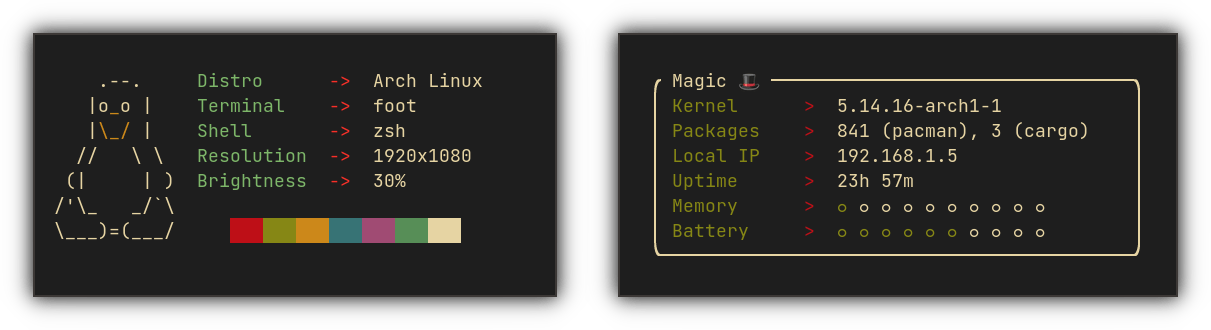
The following screenshots are meant for inspiration.
Nerdfetch
Neofetch
Screenfetch
macchina
Cutefetch
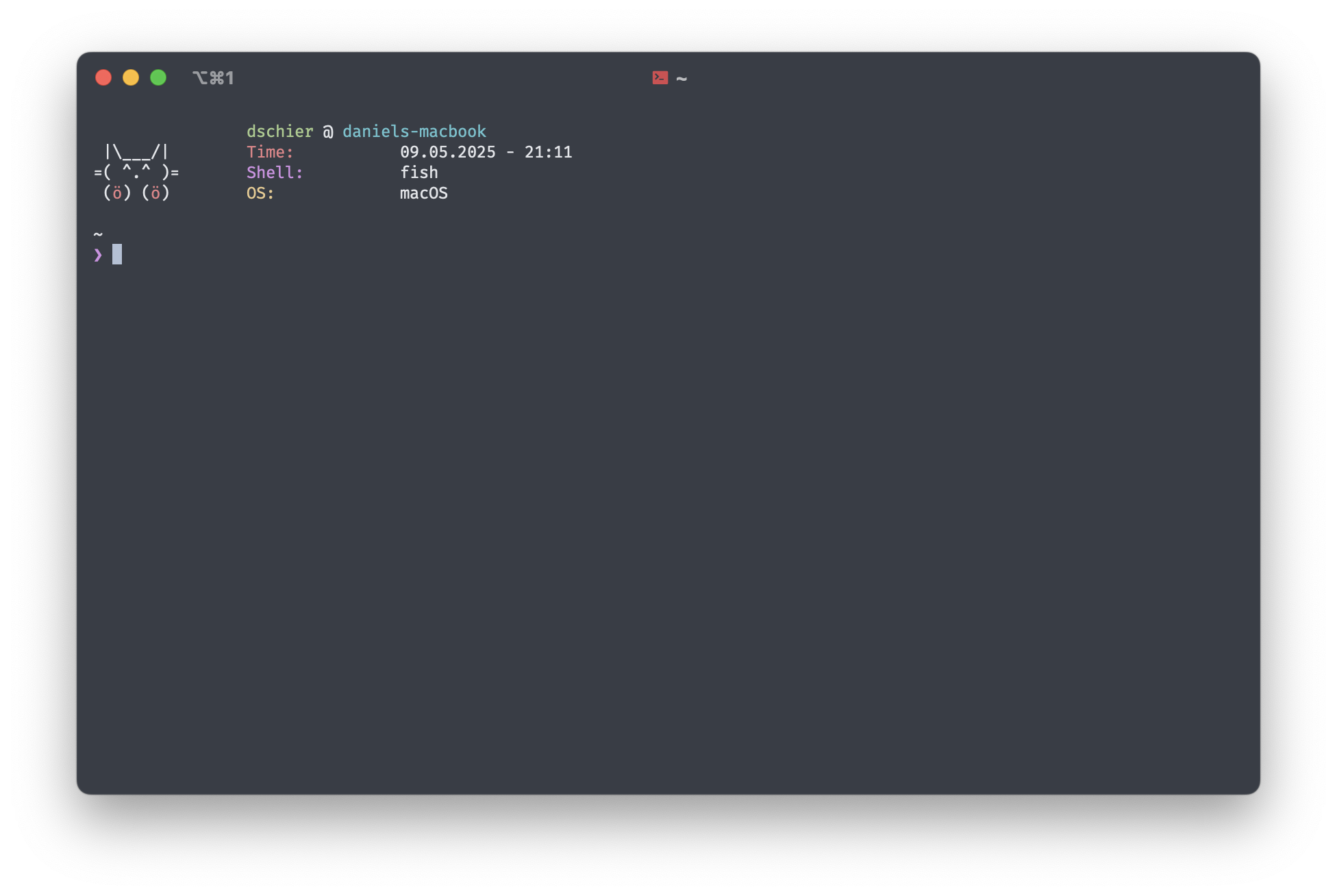
Some of the above tools matured a lot and provide many features, others are very simple and or focus on performance. Implementations are done in Bash, Rust and many more. Yet, the performance difference for most users is not recognizable, or acceptable.
Ideas
The research lead to the following conclusions:
- performance is an issue, but not a major one
- single-binary tools in Rust or Go need additional verification from vendors like Apple, Scripts do not
- the amount of information is almost always gathered from the system
- configuration often allows colors or icons only, maybe adding information or removing them
- none of the solutions I found is meant to provide health information like running services
- all of them are CLI only
Therefore, I came up with the following scope to start with:
- start with bash and rewrite in Rust or Go when feature complete or bigger user base
- focus on easy to read output and simple information
- allow custom fields
- configuration theming should be more than colors
Output may be tuned like so:
professional
Peep - System Overview
------------------------------------------------------------
Hostname:          web-prod-01
Operating System:  Ubuntu 22.04.4 LTS
Kernel:            5.15.0-105-generic
IP Address:        10.0.0.42
CPU Load:          0.45 0.50 0.40
User:              root
Services:          nginx (active), postgresql (active)
Time:              2025-05-05 14:22:17 UTC
------------------------------------------------------------
Playful
☁️  Peep says hi from your cozy system!
━━━━━━━━━━━━━━━━━━━━━━━━━━━━━━━━━━━━━━━━━━
👤 user:              dschier
💻 hostname:          daniels-macbook
📝 description:       cozy hacking station
🐚 shell:             fish
🧠 load average:      1.92 2.05 1.88
🌐 ip address:        192.168.1.57
🧩 services:          postgres 🟢, nginx 🔴
🕰️ time:              19:21:48
━━━━━━━━━━━━━━━━━━━━━━━━━━━━━━━━━━━━━━━━━━
✨ stay cozy ✨
Simple
(=^・ω・^) Peep
------------------------------------------------
User:              dschier
Hostname:          daniels-macbook
Load:              2.01 2.35 2.85
IP:                192.168.1.57
------------------------------------------------
Minimal
dschier@daniels-macbook
192.168.1.57
Load: 2.01 2.35 2.85
Time: 19:21:48
And even more minimal
daniels-macbook | dschier | 19:21 | fish
Darwin 24.4 | 192.168.1.57 | load: 2.0 2.3 2.8
Tools and frameworks
For now, Peep will be written in Bash. Otherwise, I don't want to add a lot, so using basic GNU tools and keeping dependencies as minimal as possible sounds right.
Components
There are not a ton of components, that needs to be addressed. Yet, some design paradigms should apply:
- Easy to change -> users should be able to quickly tune the output and developers should have an easy life adding new features
- Separation of concerns -> functions should only do a single action and return properly
- Sane defaults -> even if configurable, the defaults should work on all supported machines
- Integration
Security
For now, there are no security observations to be made. The software does not intend to manipulate data. Yet, via configuration one may inject data or even commands.
Also, the tool should focus to run without privileges,m if possible.
Operations
Operations boils down to:
- install to a single machine
- update to new versions
- cleanup/uninstall
- configuration
All of these should be tackled before the first release. Out of scope are:
- restart of services
- fixing broken installations
- firewall